Your files have a social life. You're not invited.
Sharing a Google Drive file takes two seconds. “Unsharing” it never crosses anyone's mind. The result: thousands of documents still open to people who no longer work with you.
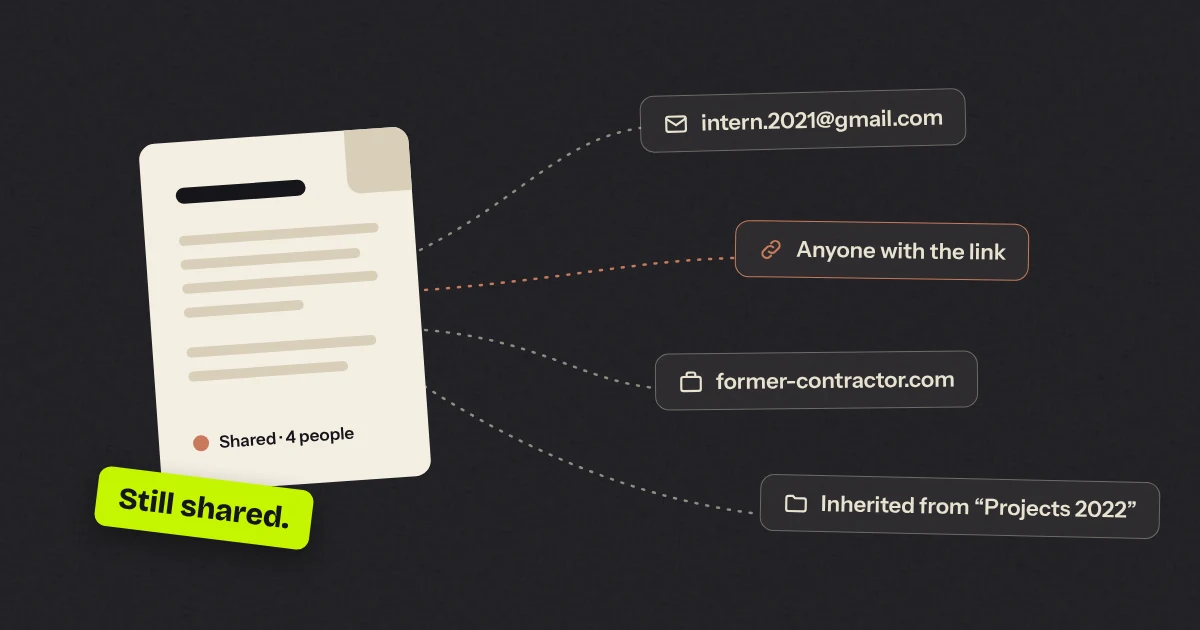
One day, someone in your company shared a spreadsheet with a contractor. It was for a good cause: a quote to finalise, a schedule to pin down. The job ended. The contractor moved on. The spreadsheet, meanwhile, stayed open.
Multiply that by the number of people in your company, by the number of years since you moved to Google Workspace, and you end up with a fine collection of open doors that nobody knows exist.
Sharing is easy. That’s exactly the problem.
Google Drive made sharing effortless, and that’s a great thing: you work with clients, partners and freelancers without emailing each other fifteen versions of the same attachment.
But no tool ever tells you “by the way, this folder has been shared with a personal Gmail address since 2021”. Nobody cleans up, because nobody can see the mess.
The four classic ways to get caught out
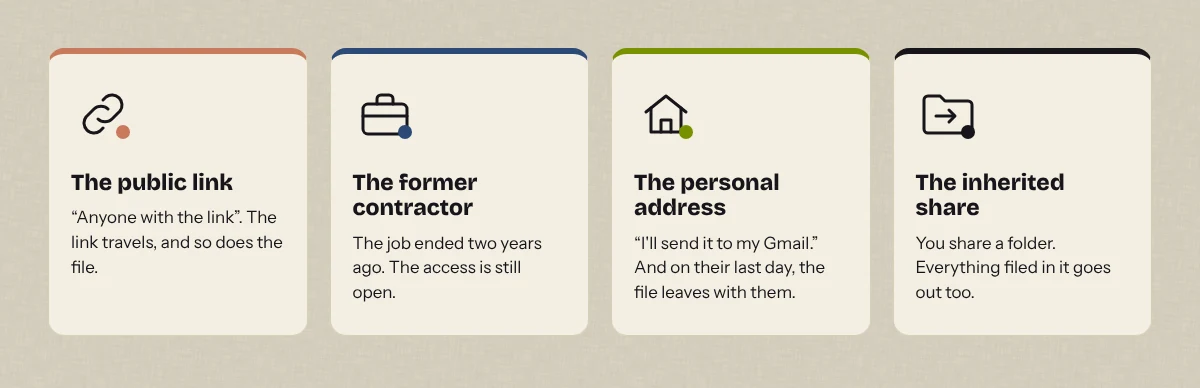
The “anyone with the link” link. Handy when you’re in a hurry. Except the link travels: in a forwarded email, in a ticket, in a chat. The file is now public, without saying so.
The former contractor. They finished the job two years ago. They still have access to the project folder, along with everything added to it since.
The personal address. “I’ll send it to my Gmail, it’s easier for working over the weekend.” The day that person leaves the company, the file leaves with them.
The inherited share. You share a folder, not a file. Then documents that should never have left the building get filed in that folder. They leave anyway, quietly.
“But we have rules”
Of course you do. There’s probably a policy somewhere saying not to share just anything with just anyone. It’s probably in a Google Doc. Shared with whom, by the way?
Rules are useless if nobody can see what’s going on. Google’s Admin console gives you settings, not a readable overview of who is sharing what with whom.
What we actually do
- Look. Take stock of the files shared outside the company: with which domains, from which departments, since when.
- Sort. Not every external share is a problem. A folder shared with your accountants is normal. The same folder open to the whole internet, much less so.
- Cut what needs cutting. And do it properly: keeping a record, with the option to roll back if we got it wrong.
- Bring every user back into the loop. They’re the ones who know whether that share with a client is still useful. Not the IT department.
- Do it again. Once a year isn’t enough. The mess comes back the day after the clean-up.
So what about the tool?
Doing all that by hand, across tens of thousands of files, is a job of several weeks. We’ve done it enough times to get thoroughly fed up.
So we built Scrub Tide: a dashboard that shows who is sharing what outside the company, lets you cut every share with a domain in one go (logged and reversible), and gives each user a clear list of their own shares to approve or remove. It never reads your files, only their sharing information.
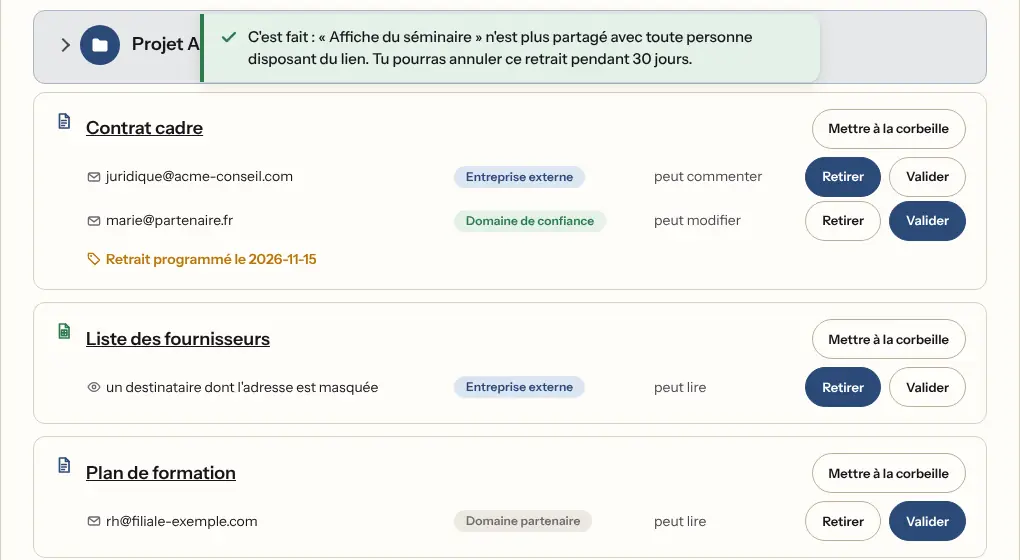
It’s coming soon to the Google Workspace Marketplace. In the meantime, if you’d like to know how many doors are open at your place, let’s talk.