Migration
From Microsoft 365 to Google Workspace, without wrecking Monday morning.
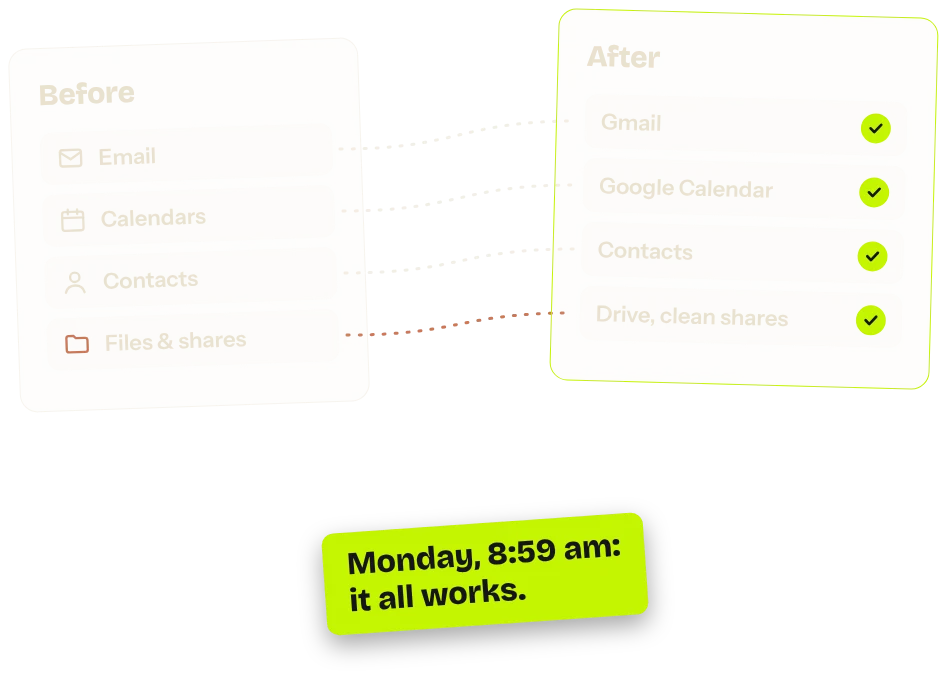
Moving the whole company without losing a single box: email, calendars, contacts, files, and above all everyone's habits.
Ring any bells?
Where do we start?
The decision's been made. The plan, much less so.
“Just an export”
You were promised an export, then an import. Really?
The Excel files with macros
The ones nobody remembers writing.
Finance won't switch
They said so. They even put it in writing.
- Shares copied across wholesale, opening up to everyone what used to be closed.
- A meeting room forgotten in the move, and the first meeting missed.
- A migration that succeeds on paper and gets ignored by the teams.
In waves, while the business keeps running.
- A pilot team
- We iron out the kinks
- We adjust the plan
- The teams, one by one
- Email and calendars first
- Files next
- Everyone
- The old tool is switched off
- Training on your own files
In 4 steps of the Clear Skies method.
- 01
Audit
Mailboxes, files, shares, habits: we take stock of everything before touching anything.
- 04
Migration
The data moves in waves. The business carries on.
- 05
Security
Shares are rebuilt properly, not copied across with their mistakes.
- 06
Adoption
Short training sessions, on your own documents. Even for the finance team.
How long does a migration take?
It depends on the number of accounts and the volume of data. The schedule is written into the quote, wave by wave, before you sign.
Or one of these problems?
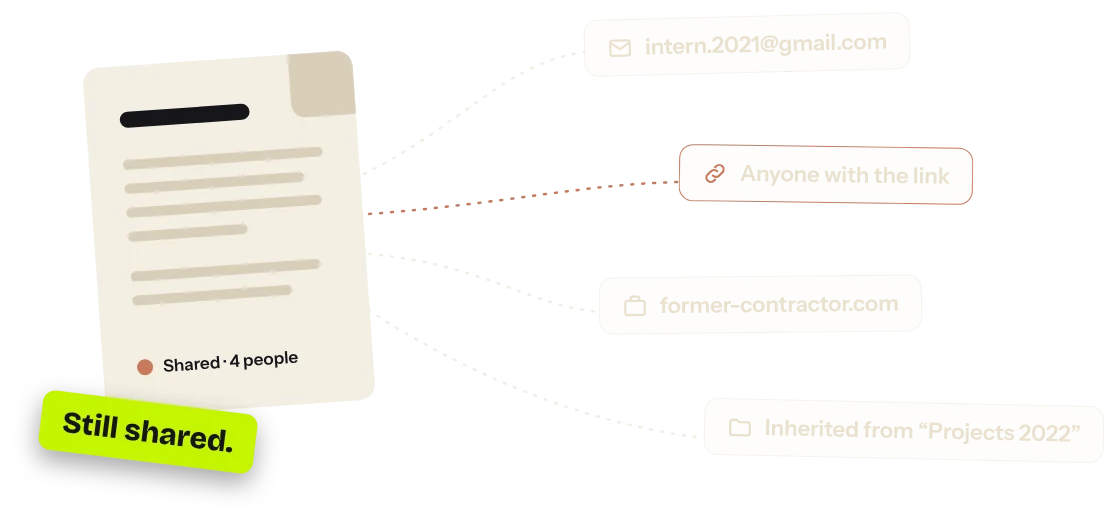 Files shared with just about anyonePublic links, former contractors: we take stock, then we lock up.See the solution
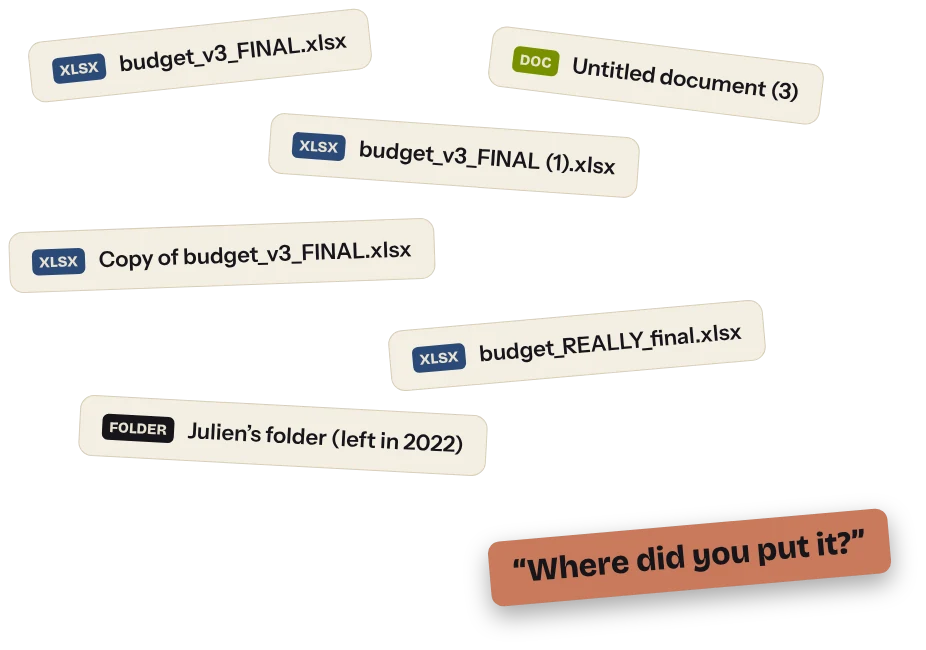 A messy Google DriveFive “final” versions of the same file? We tidy up, and it stays tidy.See the solution
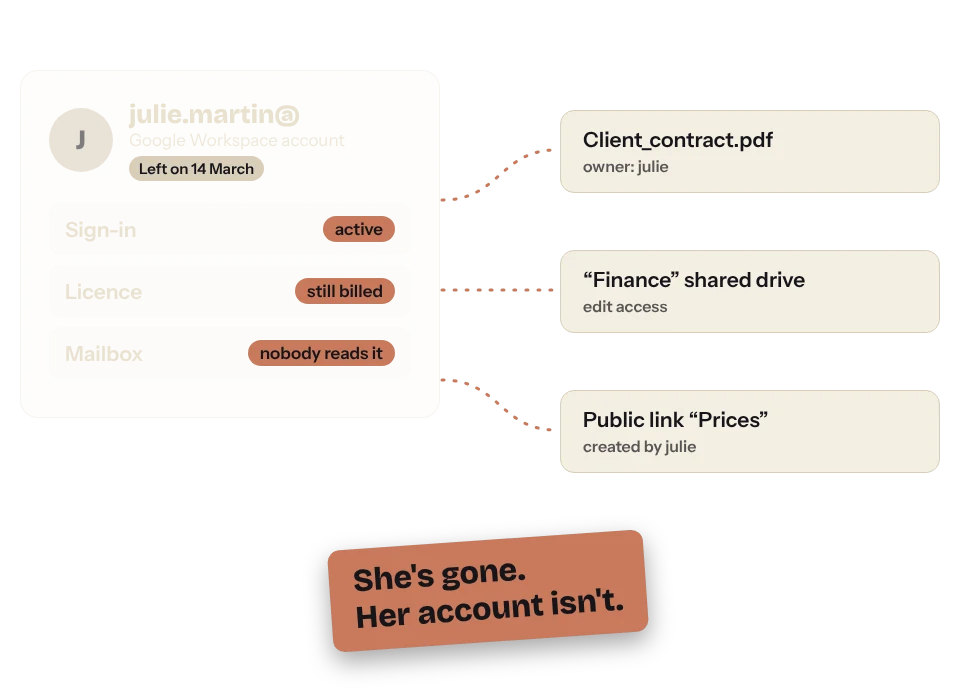 They've left, their accounts haven'tLicences still paid for, access still open, files in their name: we make every departure a formality.See the solution
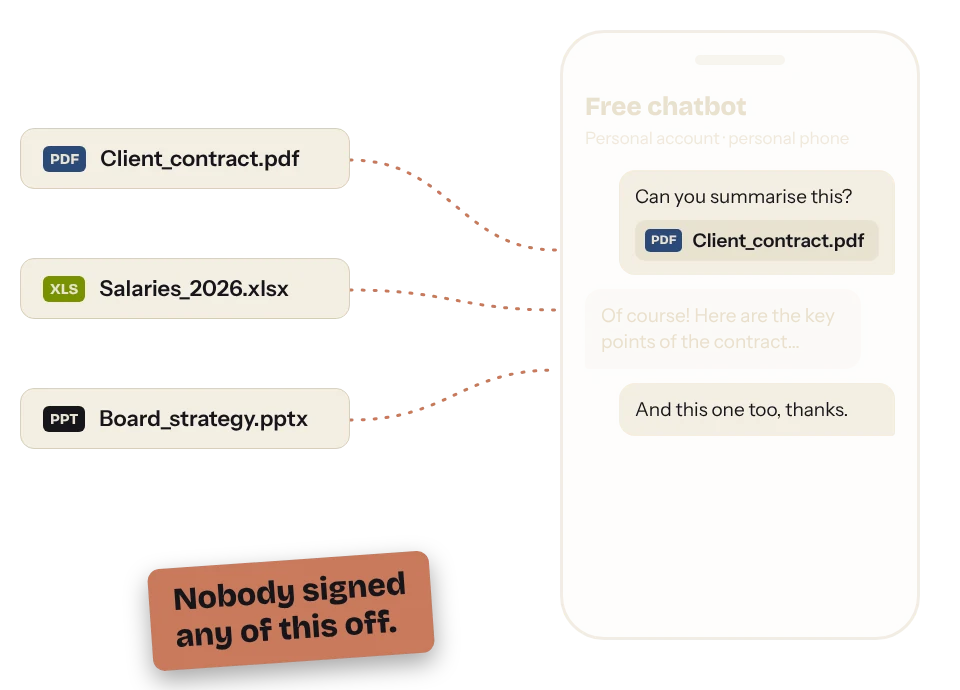 Your teams are using AI on the slyFree accounts, files pasted anywhere: we bring back a properly framed AI, inside your tools.See the solution
Tools going off the rails? A project dragging on?
Describe the situation in three lines. Reply within 24 working hours, with an honest first opinion — even if the answer is “you don't need me”.
Rather talk it through? 30 free minutes, no strings attached.Book 30 min (opens in a new tab)
Or directly: contact@digitaletcloud.com